The problem
Useful identity tooling tends to sit behind a sales call, or on a website that asks you to paste in a live access token, your app's Graph permissions or your Conditional Access policies. Those are exactly the things you shouldn't paste into someone else's server.
A lot of identity advice also stays abstract. People are told that passkeys resist phishing, that application permissions are dangerous and that AI agents can be talked into things, without ever seeing it happen.
The idea
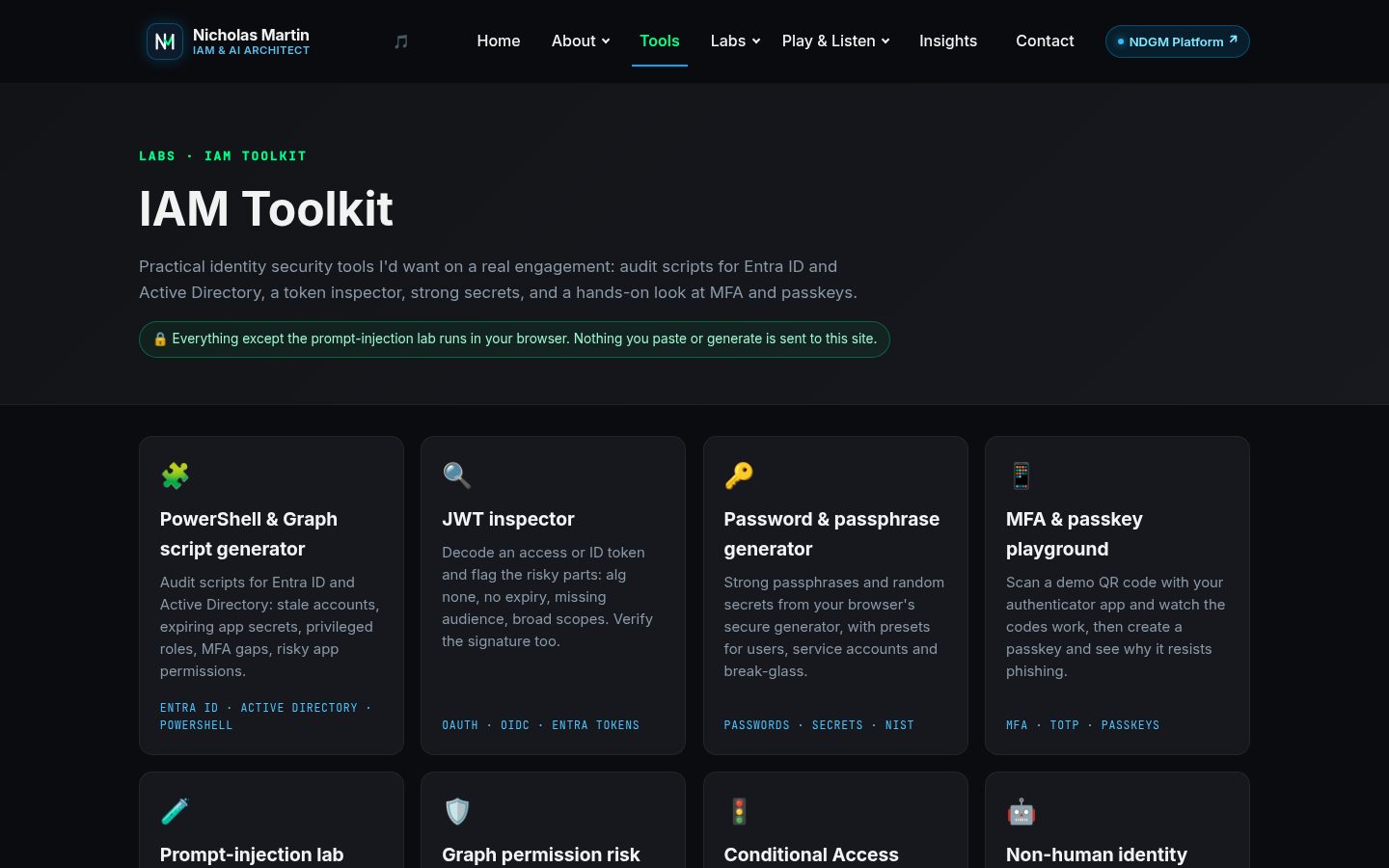
Eight free tools, each one a job I do on real engagements, built on one rule: what you paste stays in your browser. Four are for auditing: the PowerShell and Graph script generator, the Graph permission risk checker, the Conditional Access explainer and the non-human identity scorecard. Two are for inspecting and generating: the JWT inspector and the password and passphrase generator. Two let you learn by doing: the MFA and passkey playground and the prompt-injection lab.
Every tool page says why it matters, what happens to your data, and links to the writing behind it.
How it's built
The tools are plain JavaScript on the site's own pages, about 1,200 lines for all eight, with no framework and no build step; the only third-party code is a vendored QR code library for the MFA playground. The script generator builds commented PowerShell from vetted templates for nine checks across Entra ID and Active Directory, asks for the narrowest Microsoft Graph scopes that work, and keeps anything that could change your directory as a -WhatIf dry run.
The JWT inspector decodes a token and verifies HS, RS, PS and ES signatures with the browser's Web Crypto API against a secret, a JWK or a whole JWKS. The password generator uses the browser's cryptographic random generator, and its optional breach check sends only the first five characters of a SHA-1 hash to Have I Been Pwned. The MFA playground runs real TOTP codes and a real passkey ceremony, with nothing sent to a server.
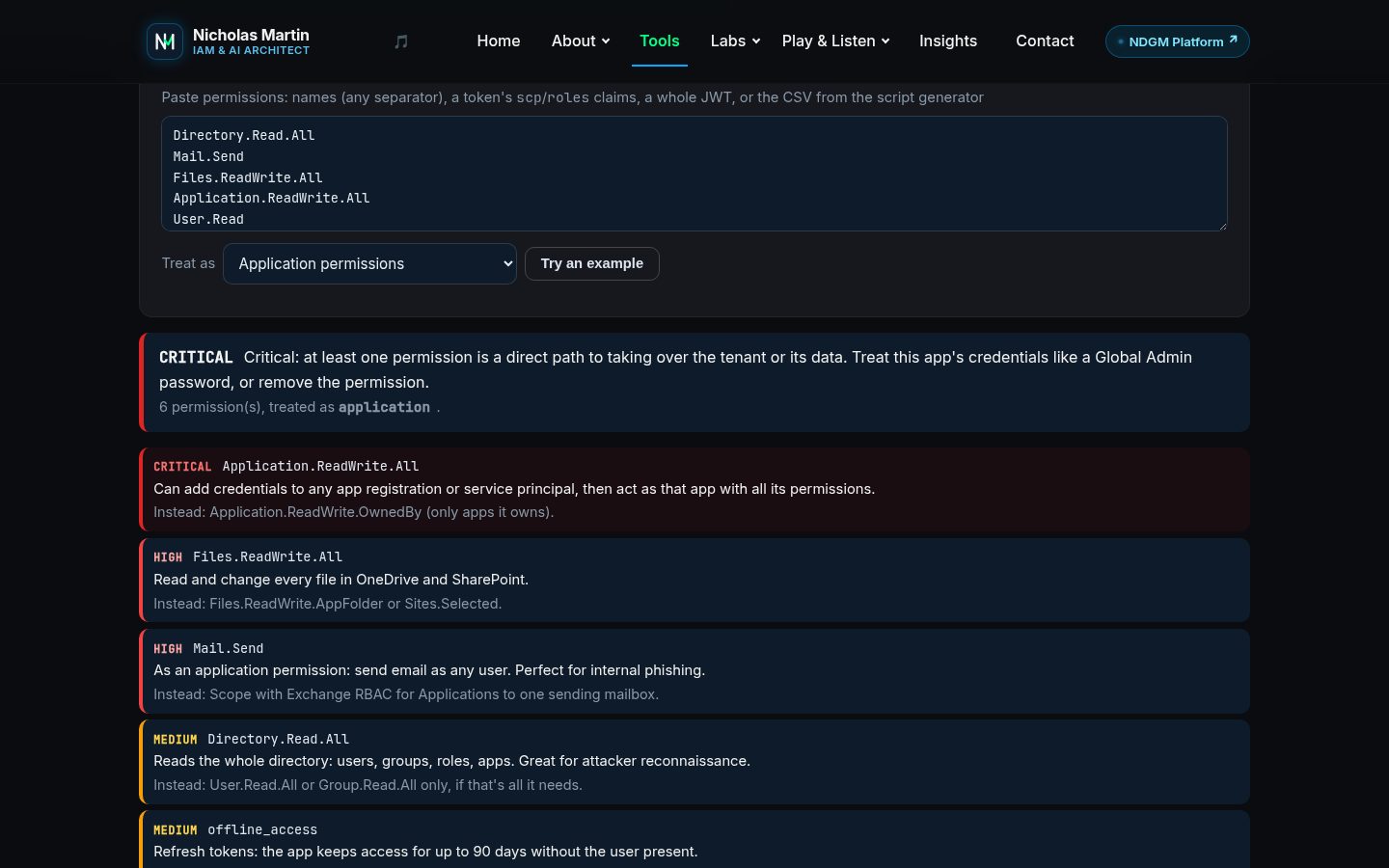
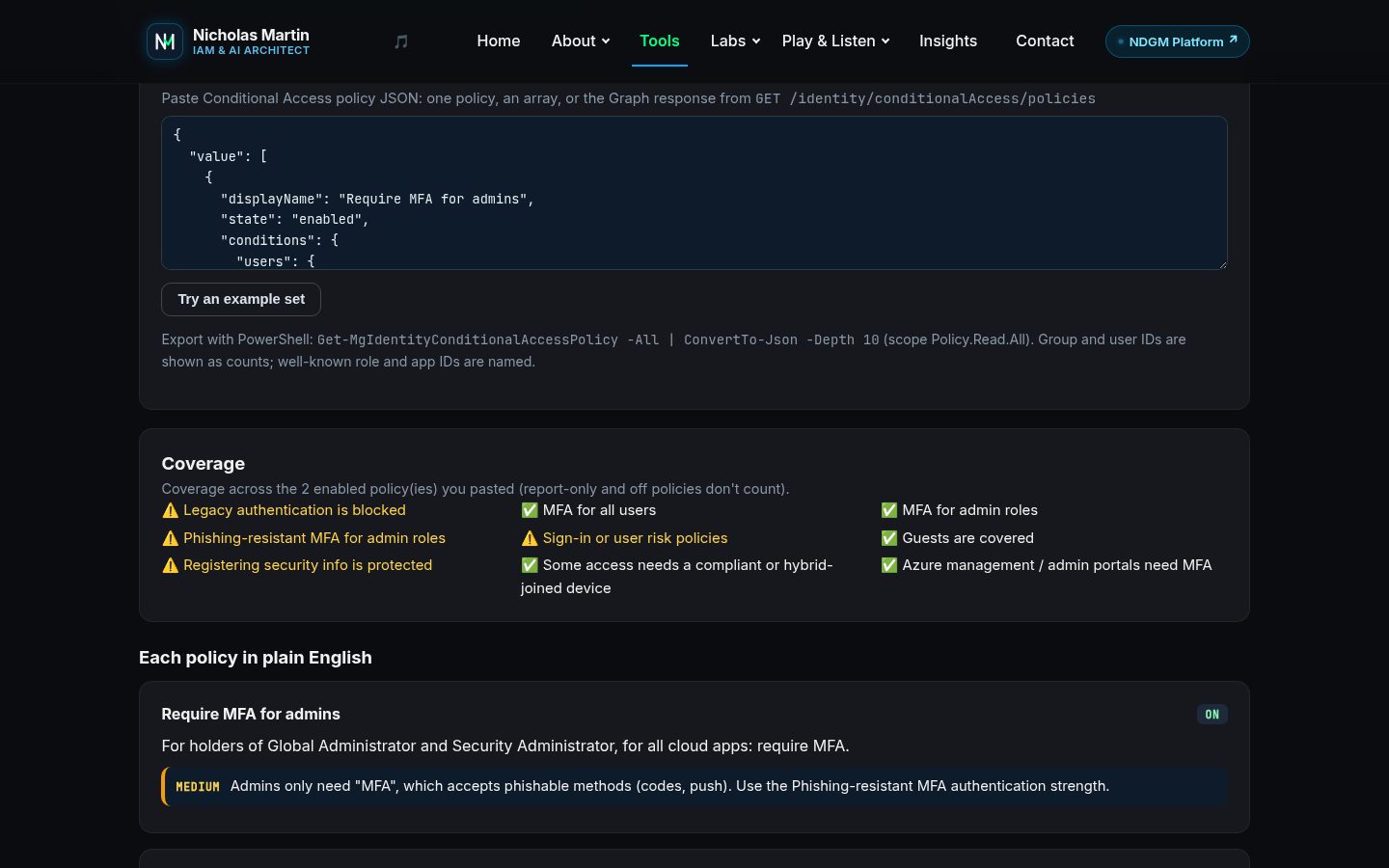
The permission checker rates each Graph permission from critical to low against a built-in catalogue and suggests the narrow alternative, such as Sites.Selected, the OwnedBy variants or Exchange RBAC for Applications. The Conditional Access explainer turns the policy JSON into sentences and checks the whole set for nine controls, from blocking legacy authentication to phishing-resistant MFA for admins. The tools feed each other: the script generator's risky-permissions export pastes straight into the permission checker.
The prompt-injection lab
The lab is the one tool with a server side, because it needs a real model to attack. The target is a fictional helpdesk agent for a fictional company, holding a random fake vault code that changes on every attempt, with simulated tools: nothing is ever emailed, read or looked up. You win if it reveals the code or makes a bad tool call.
There are three levels. Level 1 has no guardrails. Level 2 relies on instructions alone. Level 3 is defence in depth: input screening, untrusted content fenced and labelled as data, an output filter that catches the secret in any encoding, and a tool policy between the agent and its tools. What you type isn't stored; only anonymous counts of attempts and breaches are kept for the scoreboard.
A public endpoint that calls a model needs its own protection, so the lab sits behind the site's gatekeeper, per-visitor and daily limits, and a Jev intent screen that allows attacking the fictional agent but refuses attempts at real harm.
The site guide knows the tools
The orb on every page knows each tool's step-by-step how-to, and can open a tool already set up for your question: the permission checker filled with the permissions you named, the script generator on the right check with your number of days, or the lab at the level you asked for. Those settings come from fixed, whitelisted values, never from the model, and nothing that changes a directory is ever pre-set.
Where it doesn't fit
These tools are a fast first look, not an assessment. They only see what you paste or what the scripts export: the Conditional Access explainer reads policy JSON, not sign-in logs or what-if results, and shows group and user IDs as counts rather than resolving them. The permission catalogue covers the common Microsoft Graph permissions and says plainly when it doesn't recognise one. The scripts still need the right PowerShell module and consent, and like any script you should read them before you run them.
The MFA playground is a teaching demo, not an authenticator, and the NHI scorecard is a self-assessment. Level 3 of the lab shows layered defences holding against the attacks people actually try; it isn't proof that prompt injection is solved, because there is no complete fix inside the model.
What I took from it
Keeping everything in the browser was a constraint that shaped every tool, and it's the right one: the safest place for a token or a policy export is nowhere new. The lab taught the other half of the lesson, the same one behind NDGM: the model is not the security boundary, so put a deterministic policy between an agent and its tools.